Build Smarter Sites Faster with the Klaxon Cloud Library

Get instant access to a powerful cloud library of pre-built blocks, designed by marketers and supported by devs.

Tired of searching for just the right UI/UX component? Us too. 

The Klaxon Cloud gives you instant access to tons of pre-built components that work out of the box and look good doing it. No need to get the whole theme or template, just grab what you need and get to work. 

Each and every block can be adapted to your brand settings automatically — fonts, colors, spacing. Set it up, brand it, then go get a treat cus it’s DONE.

Simple Pricing

Whether you’re freelancing, running an agency, or building your own empire, we’ve got a plan that fits your budget.

  • Access to the entire cloud library of components, sections, and page templates
  • Rights to use any component on any site, including client sites
  • 30-day access means no commitment, no contracts, no subscription
  • Access to the entire cloud library of components, sections, and page templates
  • Rights to use any component on any site, including client sites
  • Updates to the Cloud Library, including access to new components each week and first-notice of exclusive deals
  • Easy cancel at any time with pro-rated access until the end of the month
  • Access to the entire cloud library of components, sections, and page templates
  • Rights to use any component on any site, including client sites
  • Updates to the Cloud Library, including access to new components each week
  • FREE access to new plugins and custom Klaxon Blox
  • FREE access to new themes
  • Easy to cancel at any time with continued access to end of the year

What’s Inside the Cloud Library

There are 44 blocks currently available


Everything in our library is designed to look good, load fast, and convert better. Check out the cloud before buying, and play with any element in the Live Demo to see how it could look in your theme.
Component Type
Works With
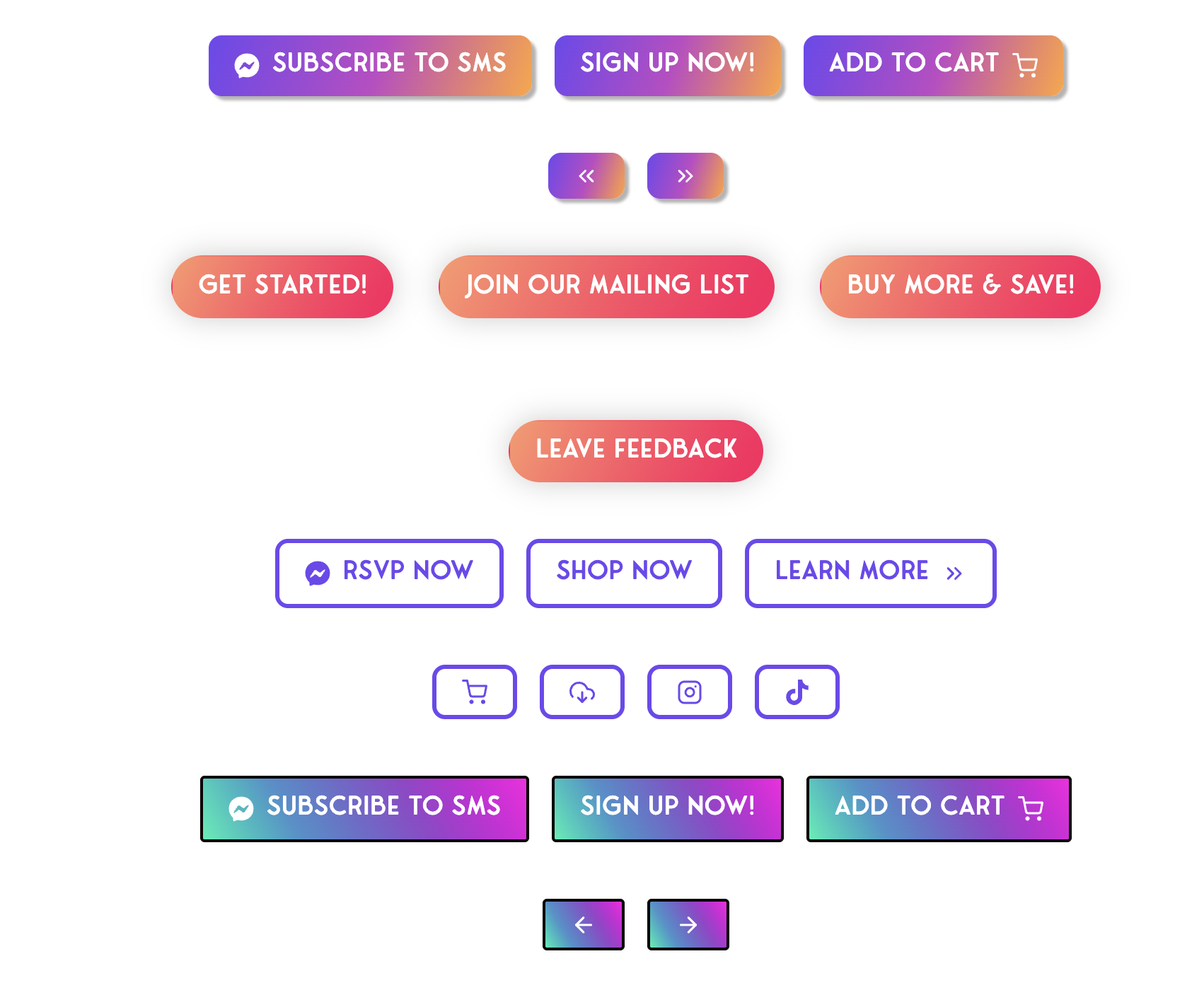
  • A collection of colorful website buttons for actions like subscribe, sign up, add to cart, RSVP, shop, and follow on social media, shown in various styles.

    Gradient CTA Buttons

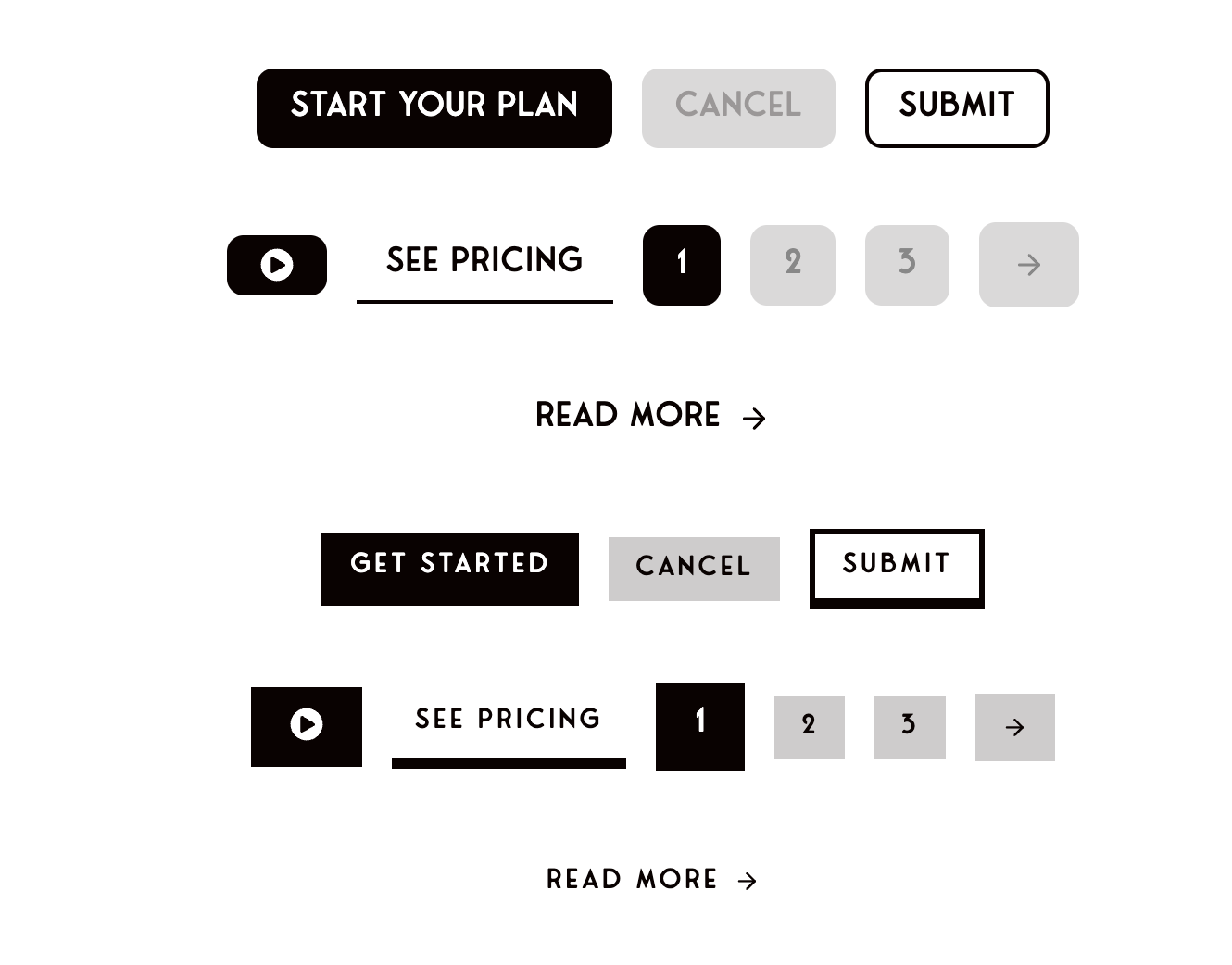
  • A collection of various website UI buttons, including Start Your Plan, Cancel, Submit, See Pricing, Get Started, pagination numbers, and Read More, in black, white, and gray styles.

    Neutral Color CTA Buttons

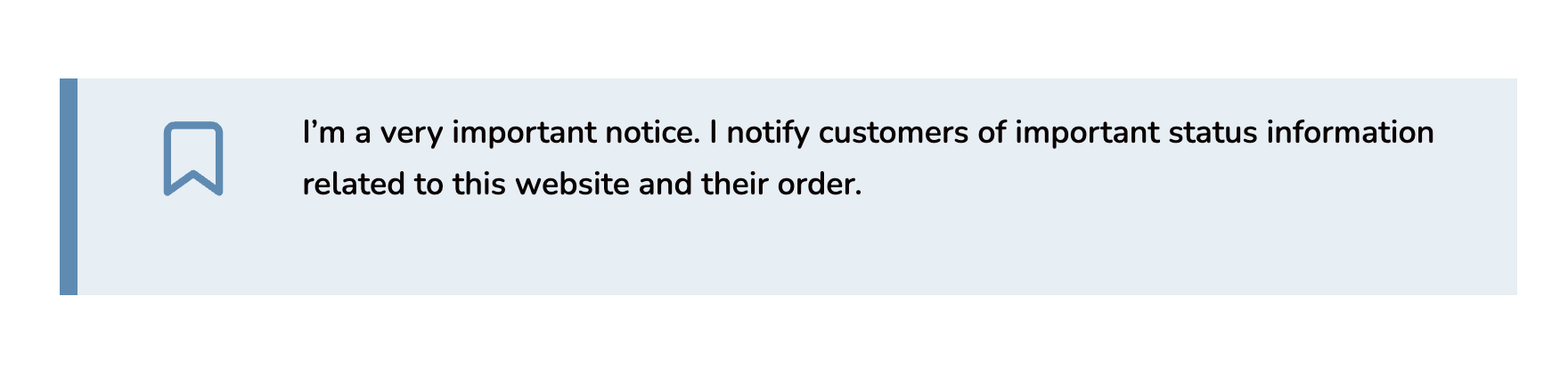
  • A notification banner with a bookmark icon and text stating it provides important status information to customers about the website and their orders.

    Alert Banner – BLUE Notice

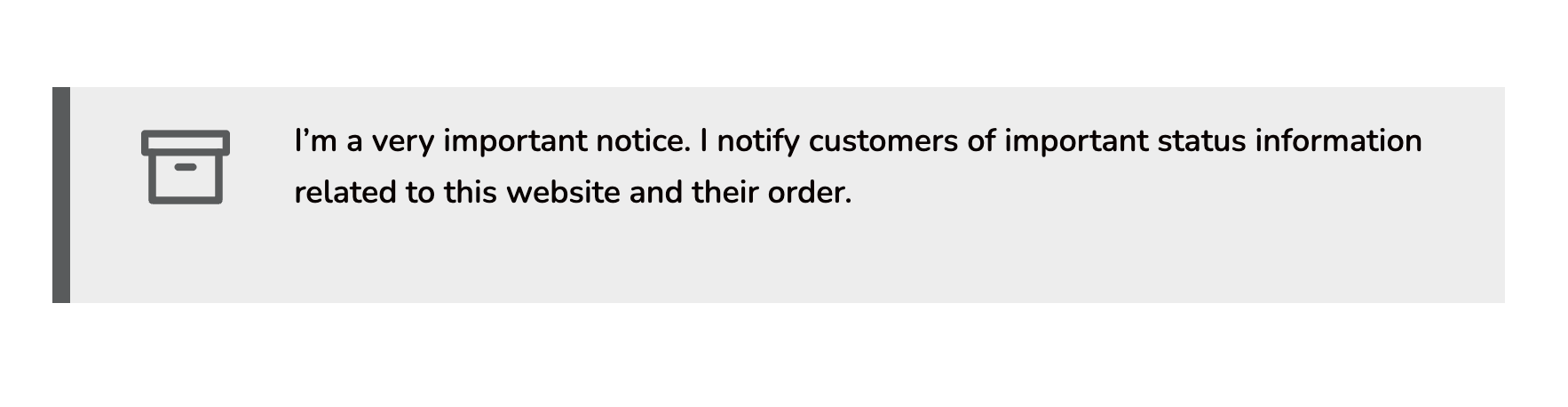
  • Banner with an icon and text stating: I’m a very important notice. I notify customers of important status information related to this website and their order.

    Alert Banner – GREY Notice

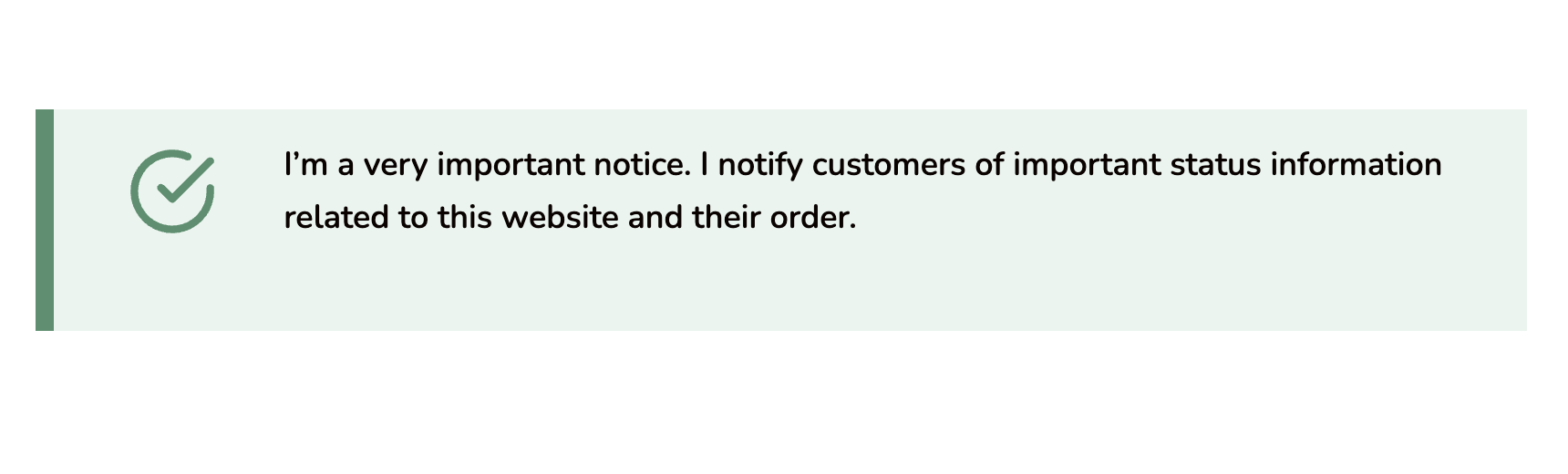
  • A green checkmark icon next to the text: “I’m a very important notice. I notify customers of important status information related to this website and their order.”.

    Alert Banner – GREEN Notice

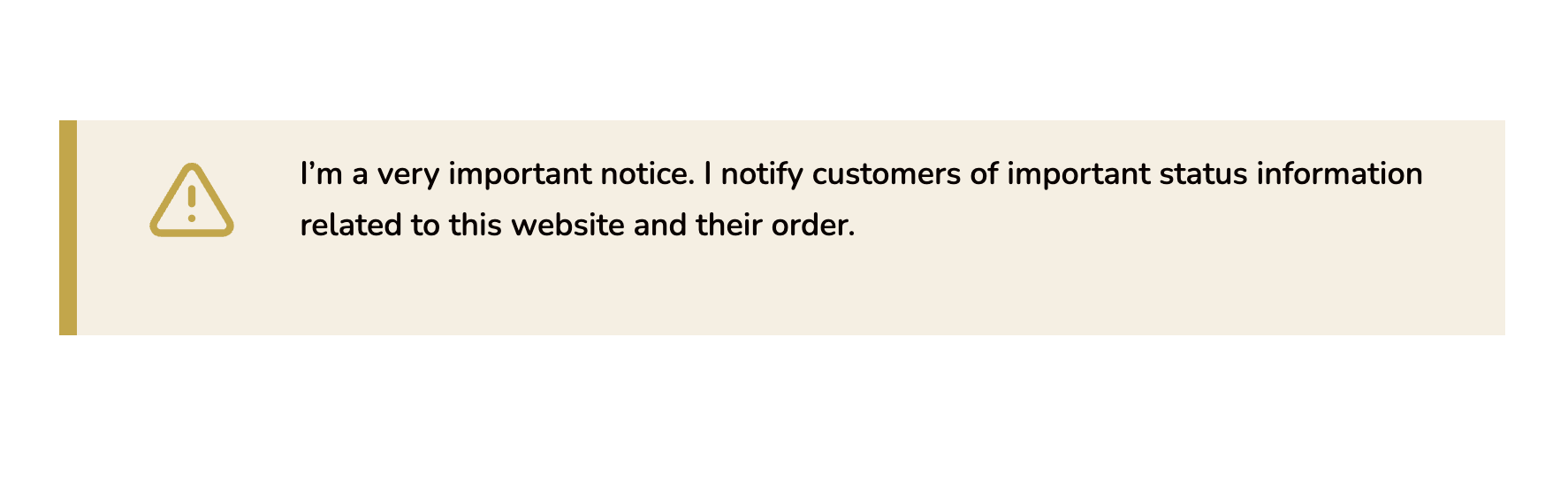
  • A notification banner with a yellow warning icon and text informing customers of important status information about the website and their order.

    Alert Banner – YELLOW Notice

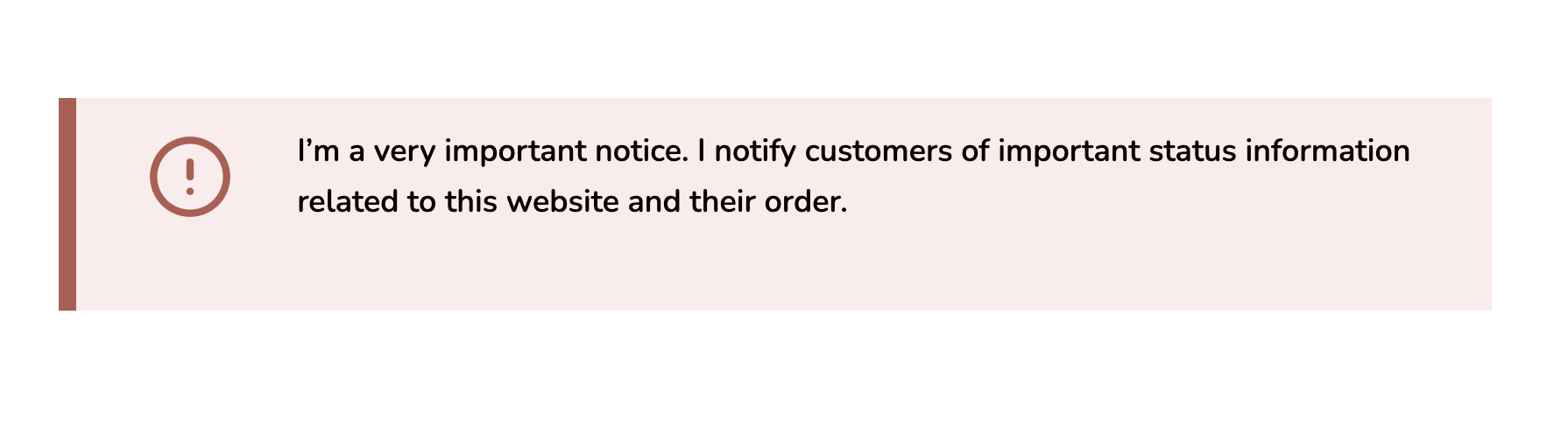
  • A notification box with an exclamation icon and the message: I’m a very important notice. I notify customers of important status information related to this website and their order.

    Alert Banner – RED Notice

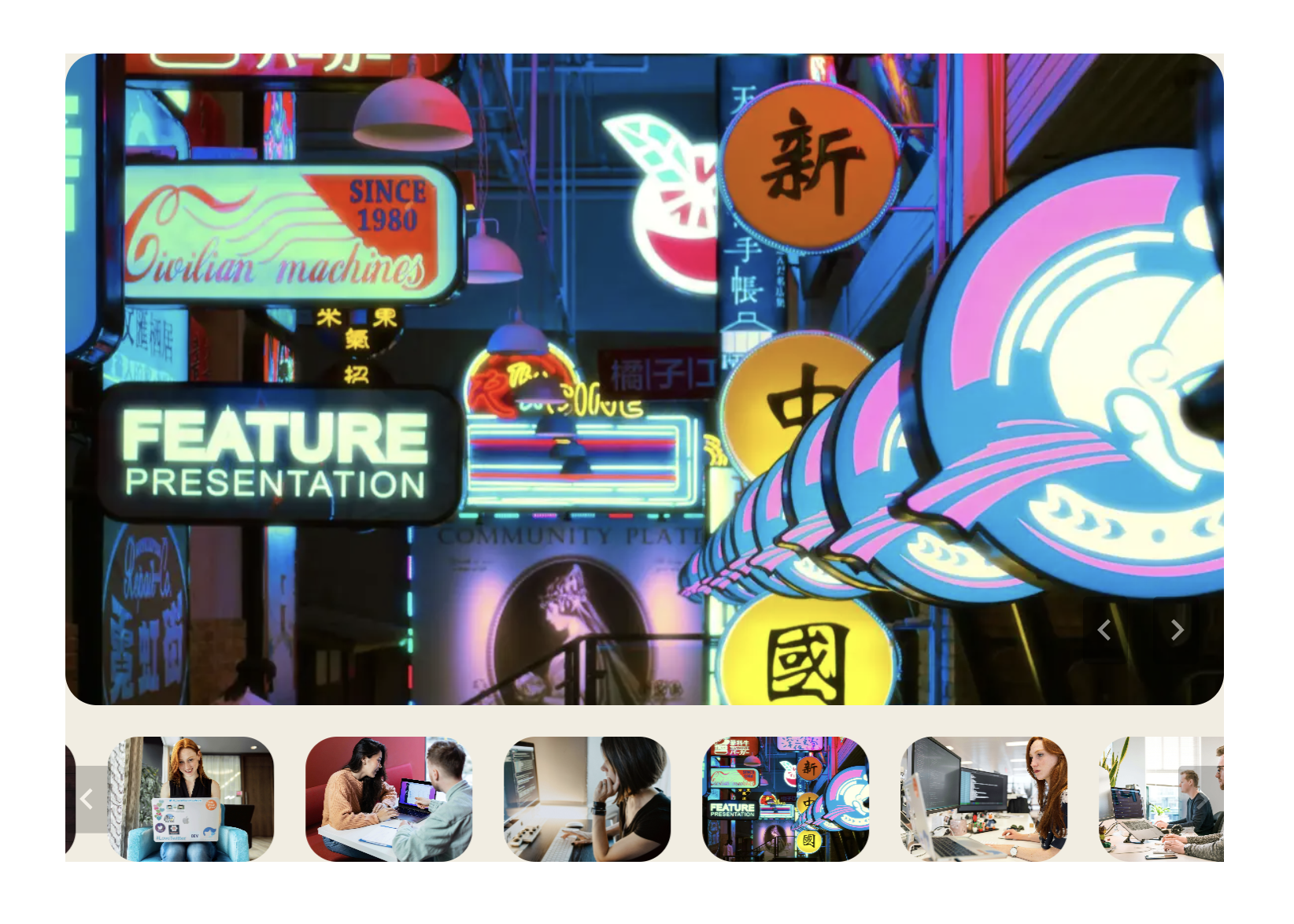
  • A large image slider with a featured image and multiple thumbnail images beneath.

    Image Gallery with Thumbnails

  • Full Screen CTA Slider

  • Full Screen Parallax CTA Hero

  • Scrolling Logo Marquee

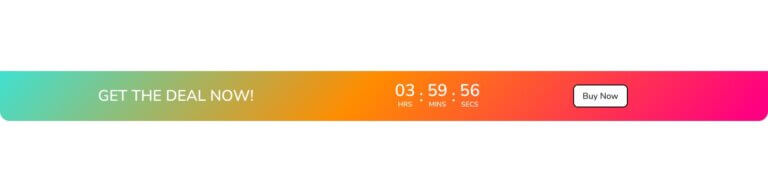
  • Gradient Countdown Banner with Button

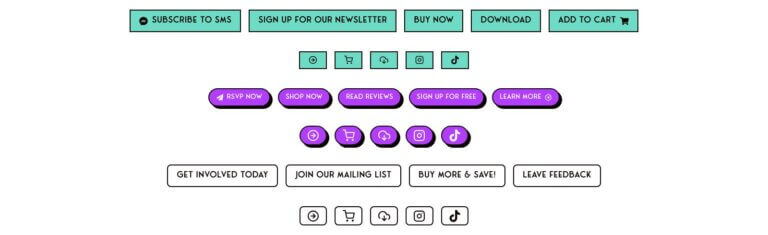
  • A variety of rectangular and rounded buttons in teal, purple, and white displaying calls to action such as subscribe, shop, buy, download, and social media icons.

    Neobrutalist CTA Buttons

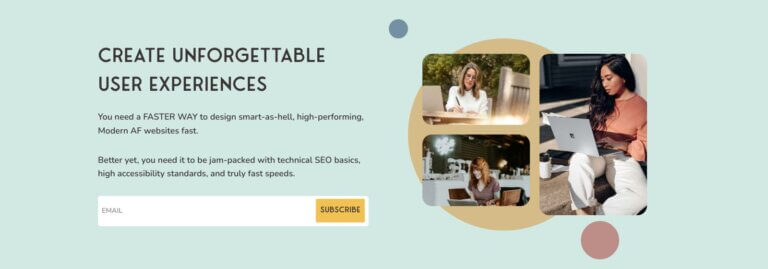
  • Styled Call to Action Section with Email Form

  • Styled Call to Action Section with Infobox overlay

  • A green palm tree leaf against a pale blue sky with white text overlay about nature’s role in health and wellness.

    Big parallax image with side color block

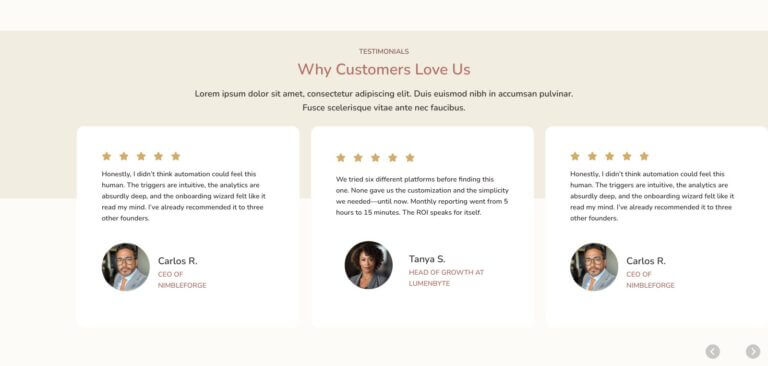
  • Three customer testimonials are displayed in columns, each featuring a star rating, feedback text, and a small circular photo of the reviewer with their name and job title beneath.

    Customer Review Card Carousel with Offset Buttons

  • Profile webpage featuring a portrait of a young man above the name James Wilson with buttons labeled About Me, My Channel, and News on a patterned background.

    Link Tree 4

  • Profile page for @marycontrary with a circular profile photo, username, tagline, three buttons (subscribe, shop, follow), and social media icons on a teal background.

    Link Tree 3

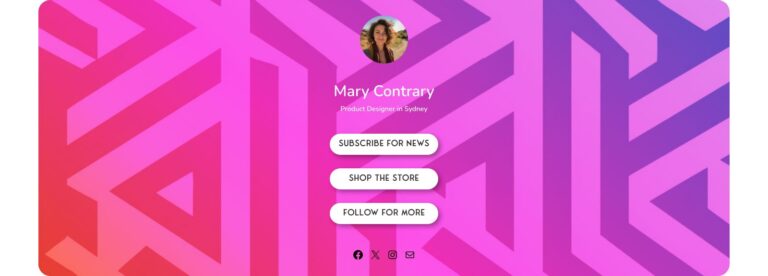
  • Profile page with a geometric pink and purple background, circular profile photo, and buttons labeled Subscribe for News, Shop the Store, and Follow for More under the name Mary Contrary.

    Link Tree 2

Why Marketers & Builders Love It


The Klaxon Cloud Library is chalk full of patterns built for people who build websites. Built for performance. Optimized for speed. Styled for conversion.

Frequently asked questions

If your question is not listed, please contact us from here.

Answers about
Klaxon Themes

You get access to tons of our pre-designed Gutenberg blocks, sections, and full-page templates built to convert.

Plus: Get access to monthly updates, smart auto-setup, and continued use to unlimited projects.

Nope. Klaxon Cloud components are optimized for speed, accessibility, and SEO. Your access is on the back-end of WordPress, not client-side. Even so, we’ve built all our patterns with light-weight code, no bloated frameworks, and nothing gets added unless it earns its keep.

Check out the Support page for your first step in support. We’re a digital-only company, but we’re easy to talk to. Find us online throughout the day on one of these channels:

There’s a whole tutorial on how to add Kadence libraries into your website over in our Articles, but here’s the TLDR:

Once your order is complete you will receive an email with license and URL for access. 

  1. Open a page or post on your Kadence-supported WordPress site.
  2. Click the “Design Library” button in the top left of the page
  3. Click the “+” icon at the top of the pop-up
  4. Enter your Connection URL and Access Key and click the “Add Connection” button

After you’ve connected to the library you can add any component to your site when you’re ready.

Hell no. Our patterns are developer-built and come already jam-packed with technical SEO best practices, high accessibility standards, easy-to-edit styles, lightweight file size, and an easy-to-use interface.

If you’ve got a brilliant idea or if you’ve seen something online you’ve got to have, send us a request. We release new patterns each week, so if your suggestion is useful, we’ll probably build it. If we do, you’ll get a free month of access to the Cloud Library as a thank you!

100%. Use it on staging, development, or production—it’s all the same to us. No unique activation or license key tracking is required.

Answers about
WP + Compatibility

Nope.

Some of the Klaxon Cloud Library patterns work with Free, some with Pro, and some work without Kadence at all. Find all the details about what components are used, and which versions of Kadence are required for each block when you click on it.

Klaxon Blox work with any theme, and don’t require Kadence at all.

The Klaxon Cloud library is built on Gutenberg blocks, so as long as you’ve got a place to insert a block they’ll show up. Just make sure that you’ve chosen a non-Kadence block when using it on a non-Kadence site.

The blocks you’ve already used will still work (because they’re Gutenberg-native), but you’ll lose access to the Kadence-specific perks including any blocks that were only Kadence-compatible.

Answers about
Your Account + Payments

You keep every block you’ve used, forever. That’s right – they stay on your site and you can use them until the robots reclaim your pixels. The only thing that stops working is your access to the library and your bill of course.

We don’t offer automatic refunds (we’re a digital product, after all), but if something’s not working, let us know. If we can’t fix it, we’ll make it right.

Cancelling your account is easy. Head over to your account and click your Subscription to get started. Click the big red “Cancel Plan” link at the top of the page and follow the prompts to the end.

Yep. Want to go from monthly to annual? You can upgrade anytime and we’ll prorate the difference. Head over to your account and click your Subscription to get started.

All prices are in USD. No surprise conversions or hidden fees on our end—what you see is what you get.

Answers about
Support + Policies

Absolutely. That’s kinda the point. Build faster for your clients, charge what you’re worth, and keep reusing the same time-saving components. We won’t tell.

up. One subscription gives you access to unlimited use. Add patterns to your site, your client’s site, your dog’s online merch store—whatever. No extra keys or licenses needed.

As long as your subscription is active, you continue to get access to the entire library and all the goodies: support, updates, and every new block we release. When you cancel you get to keep what you’ve already downloaded.