

We’ve been building websites and running successful marketing campaigns for EVER. We know there will always be a new online trend, some great new AI tool, or a cool new plugin, but while we’re trying those out, we’ll never let go of our favorite web design business tools.
Whether you’re running your own freelance business or building client websites, the right tools can make all the difference. Over the years, we’ve tested just about everything — and these are the ones that have earned a permanent spot in our tech stack.
- Flexible WordPress Builder
- Automation Software
- Project Management Tools
- UTM Parameters Builder
- Contracting & Invoicing
The most versatile WordPress block builder EVER
Sure, some people SWEAR by old standards like Divi or Elementor — but who really wants to deal with clunky, bloated code anymore?
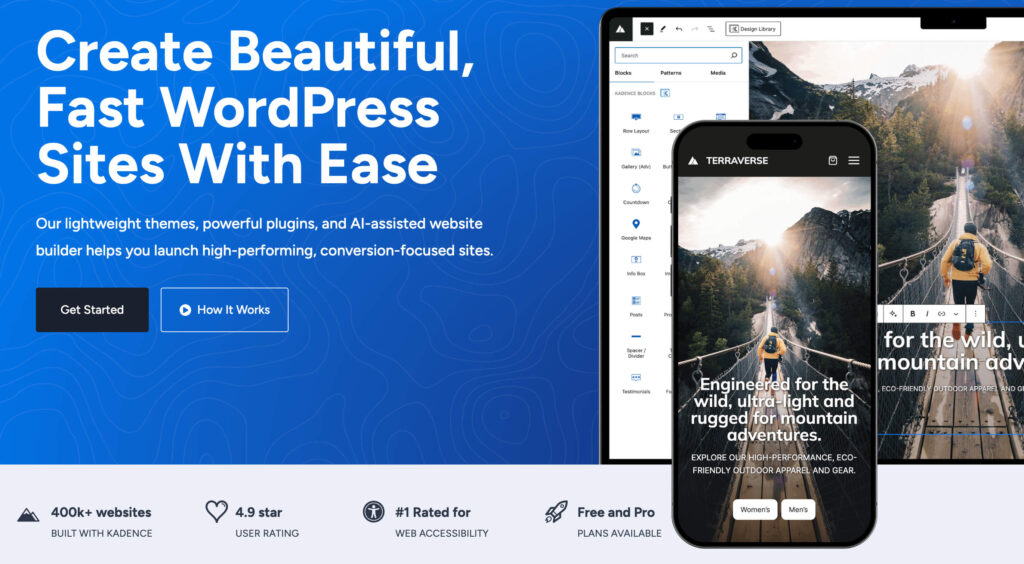
That’s why we love the Kadence WP suite of tools. Its our recommendation every time, hands down 🙌.
The basic block tool fits right in with Gutenberg, or you can add it to any existing theme, even one of the old dogs. But don’t stop there — check out their pro blocks and other features that allow everything from easy pattern libraries to big-time white-label tools. Kadence is one of our besties and if you don’t believe us, take a look at the rest of Klaxon Themes, this suite of pre-made, pre-styled developer approved blocks ready to drop right into your site.
Easiest automation software
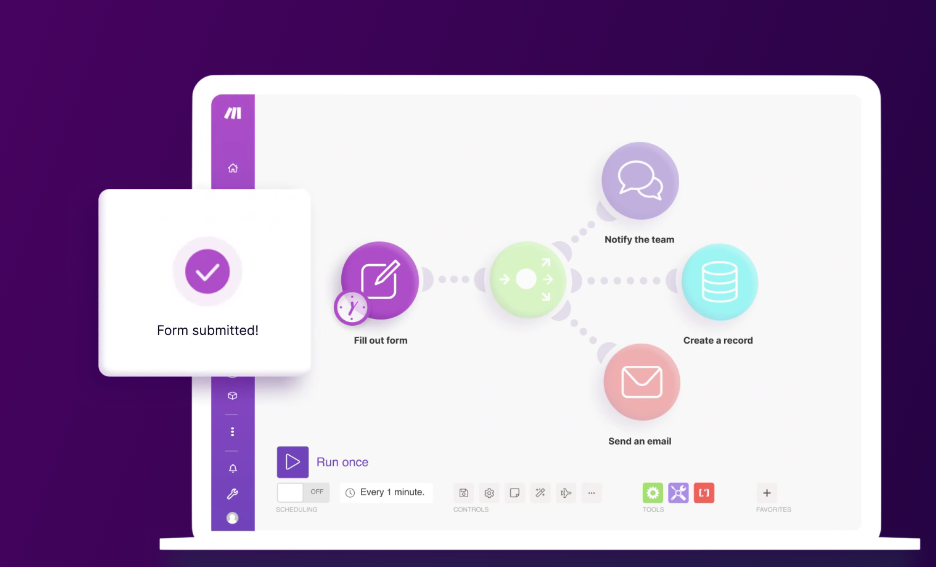
Creating automations is one of the ways we stay SANE right now. Our head honcho is ADHD + and like her, we can’t STAND doing boring, repetitive tasks.
That’s why we trust Make Automation to simplify repeatable actions, task scheduling, and client workflows — saving us hours every week. Whether we’re sending out a thank you email, creating our own tasks from client tickets, or just adding users to a list for drip-campaigns we choose Make every time.
The number one project management tool for web builders
When it comes to project management, Notion is the tool that keeps our brains (and our business) organized.
Notion is more than just a task list — it’s a flexible workspace where you can manage client projects, track deadlines, document workflows, and even build internal wikis for your team. We love it because it’s endlessly customizable without feeling overwhelming.
Here’s how we use Notion every day:
- Track client projects with custom boards and calendars
- Manage editorial calendars for blogs and email campaigns
- Keep running SOPs (Standard Operating Procedures) updated for faster onboarding
- Collaborate with our remote team without a dozen back-and-forth emails
Best of all, it’s clean, fast, and totally adaptable to whatever your business needs today — or six months from now.

Fast and FREE UTM parameter builder
This Builder is the perfect tool for creating custom UTM parameters for marketing campaigns. Since it also works with GA4, you can use it for any new campaign right away.
Want to know just how easy it is? Check this easy demo you can even add to your own website.
The best all-in-one Contract and Invoicing tool
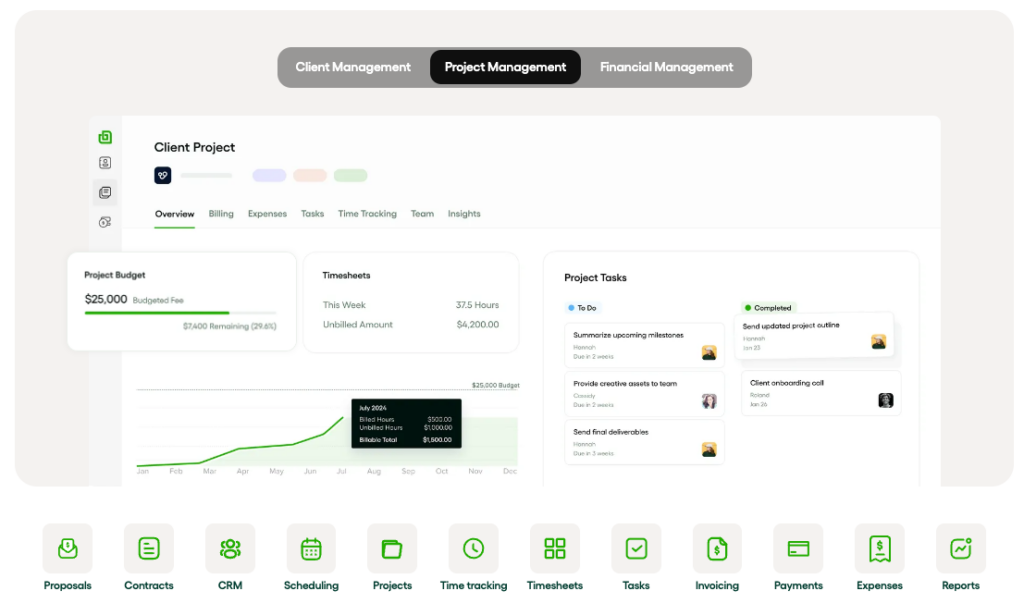
We’ve been using Bonsai for half a decade — its got all the things that make managing projects and clients easier!
- Draft Proposals for new leads
- Sign and track contracts for new clients
- Create and automate inovices for single-use and subscription services
- Track time and expenses per project or client
- Manage taxes and finances for your business in one quick stop!
We’re not just chasing the shiniest new tech, every web design business tool we recommend helps you deliver faster websites, better user experiences, and a smoother business backend. Choosing the right tools is how we consistently build high-performing websites without losing our sanity (and our weekends).
When you’re ready to build faster, you’ll find dozens of Kadence-powered patterns ready to drop into any project inside the Klaxon Cloud Library.